Turning on tool use so an agent can drive your outbound costs about 290 tokens. That is the size of the system prompt Anthropic's tool use documentation says the API adds for Claude Opus 4.8 before you have defined a single tool of your own. The mechanism that lets a model reach out of the chat window and act on the real world is now a rounding error on your token bill. So why do most cold email stacks in 2026 still glue an LLM to their sending API by hand, parsing free text and hoping the model formatted its intent the way the parser expects?
The answer used to be that tool calling was fiddly and provider-specific. It is not anymore. Every major model provider ships native tool calling, the schemas have converged, and an open standard now lets one integration serve many clients. This guide is about building the piece in the middle: a tool calling cold email API that an agent can call to source, send, and follow up, without a brittle text parser in the loop.
What a tool calling cold email API actually is
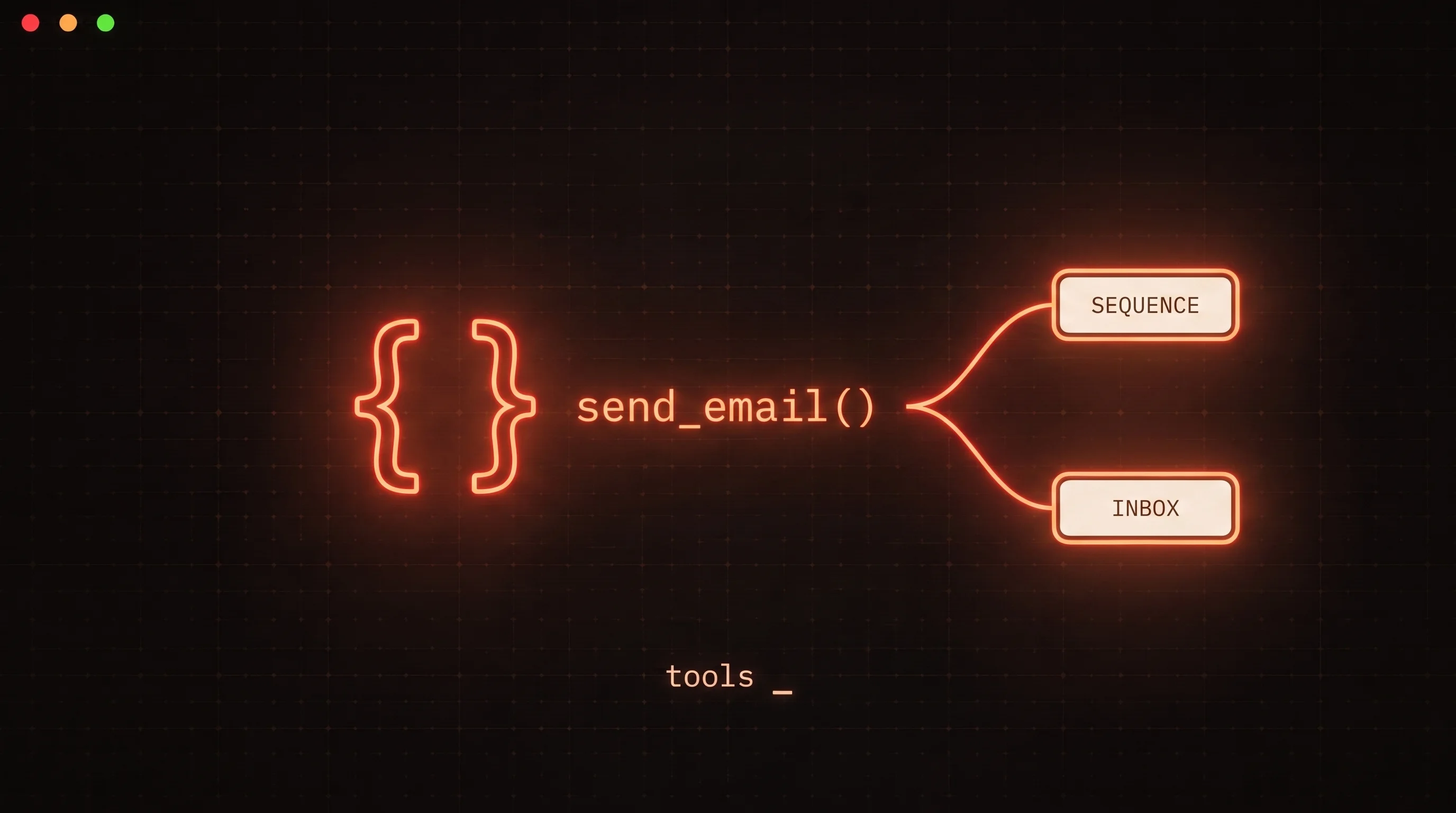
Tool calling, also called function calling, is the ability of a model to invoke functions you define. You do not hand the model a keyboard. You hand it a menu.
Concretely, the round trip works like this, using the terms from Anthropic's tool use docs:
- You define each tool with a
name, adescription, and aninput_schema- a JSON Schema describing the arguments. - You send the user's request along with the tool definitions.
- The model decides a tool fits and responds with
stop_reason: "tool_use"and atool_useblock naming the tool and the arguments it chose. - Your application executes the call against your real cold email API.
- You send the outcome back in a
tool_resultblock, and the model uses it to answer or to call the next tool.
The model never touches your database. It only ever produces a structured request; your code decides whether and how to run it. That boundary is the whole safety story, and we will come back to it.
Tip: the same pattern is provider-agnostic. OpenAI's function calling guide uses
name,description, and aparametersJSON schema; the field names differ slightly but the shape is identical. Design your tools once and the mapping to each provider is mechanical.
Why cold email maps cleanly onto tools
Some domains are awkward to express as tools. Cold email is not one of them. Outbound is already a set of discrete verbs, and each verb becomes a tool almost one to one.
| Agent intent | Tool | Blast radius |
|---|---|---|
| Find prospects to work | list_leads, get_lead | Read - safe |
| Add someone to the system | create_lead, import_csv_leads | Write - low |
| Draft and store copy | create_template, update_template | Write - low |
| Enroll and schedule | assign_leads_to_campaign, create_sequence | Write - medium |
| Start sending | start_campaign, resume_campaign | Write - high |
| Handle a reply | list_inbox_threads, send_inbox_reply | Write - high |
| Stop and clean up | pause_campaign, delete_lead | Write - high |
Those are real tool names from the FoxReach MCP server, and they show the shape a good surface takes: a lot of cheap read and draft actions, a smaller number of write actions that the outside world sees. The design goal is to make the safe actions frictionless and put deliberate friction on the few that carry risk. A model that can freely list_leads and create_template but only start_campaign behind a check gives you agent speed on the routine work and human judgment on the expensive calls.
Designing the tool schema
The tool definition is the contract between the model and your API, and it is where most integrations succeed or fail. The model chooses which tool to call, and with what arguments, based almost entirely on the description and the schema. Vague descriptions produce wrong calls.
A few rules that hold up in production:
- Describe the action and when to use it, not just what it is.
send_inbox_replyshould say it sends a reply to a specific thread and note that it actually delivers the message, so the model treats it as consequential rather than a draft. - Mark required parameters. If
create_leadneeds an email, putemailin the schema'srequiredarray. Anthropic's docs note that with a required field missing, a capable model is more likely to ask for it than to invent one - but only if the schema says it is required. - Constrain enums and formats. A
statusfield that accepts onlyactiveorpausedshould say so in the schema. The narrower the schema, the fewer invalid calls you have to reject.
Tip: Claude supports
strict: trueon custom tool definitions to guarantee the model's calls conform to your schema exactly, and OpenAI offers the same guarantee through strict function schemas. Turn it on for write actions. A malformedsendrequest should be impossible, not merely unlikely.
Even with strict schemas, validate every call server side. The tool description shapes the model's behavior; it does not bind it. Your API is the thing that actually enforces plan limits, ownership, and validation, and it must treat every incoming tool call as untrusted input - because from the API's point of view, it is.
The send loop, end to end
Here is the loop a tool calling cold email API runs for a single request like "reply to the prospect who asked about pricing and enroll them in the demo sequence":
- The agent calls
list_inbox_threads, gets the thread, and reads it. - It calls
send_inbox_replywith the thread id and a drafted message. Your API sends the email and returns atool_resultconfirming the message id. - It calls
assign_leads_to_campaignto enroll the lead in the demo sequence, and gets back the enrollment. - It composes a final answer to the user describing what it did.
That is the agentic loop: think, call a tool, read the result, call the next one, until the task is done. The API's job is to make each step a real, auditable action and to return results the model can reason about - ids, counts, errors - rather than opaque success blobs. When a call fails, return a tool_result that explains why, so the agent can correct itself instead of guessing. This is the same pattern that powers autonomous reply triage, where a model reads every reply and routes it by calling classification and inbox tools in a loop.
Guardrails: the tool boundary is your safety layer
Because the model only ever proposes a call, your API is free to refuse, delay, or gate any of them. Use that.
- Idempotency. A retried
send_inbox_replyshould not send twice. Key writes on a client-supplied id so a re-run is safe. - Human approval on high-blast-radius calls. A
start_campaignor a first-touch send to a named account should pause for a person. Wire the approval as a tool the agent calls, so the pause lives inside the run rather than in a side process. This is the core of human-in-the-loop cold email: automate the mechanical, gate the relational. - Least privilege. Scope the credential the agent uses to exactly the tools it needs. An agent that only triages replies does not need
delete_lead.
The point is that "the model decided to send" is never the same event as "the send happened." Everything between those two is yours to control.
Roll your own, or expose it through MCP
You can hand-write tool definitions for one model provider and manage the round trip yourself. For a single application that is the right call, and it is not much code. The cost shows up when a second agent, a second client, or a second provider needs the same access and you find yourself rebuilding the integration.
That is the problem the Model Context Protocol solves. MCP is, in its own docs, an open standard for connecting AI applications to external systems - described as "a USB-C port for AI applications." You expose your cold email API as an MCP server once, and any MCP-capable client - Claude, Cursor, an IDE, your own app - can discover and call those tools without bespoke glue for each one. Build once, integrate everywhere.
The FoxReach MCP server is exactly this: the outbound API surface - leads, campaigns, sequences, templates, inbox, analytics - exposed as typed tools at https://api.foxreach.io/mcp, authenticated per user, so any agent can run real outreach through the same audited endpoints the app uses. If you are still deciding where an agent fits in your outbound stack at all, the explainer on what an AI SDR is and the overview of cold email built for AI agents map out where tool calling sits between sourcing, sending, and reply handling.
The takeaway
- Tool calling turns drafts into actions. A tool calling cold email API is the difference between a model that writes an email and a model that sends one through your real infrastructure.
- The schema is the contract. Precise descriptions, required parameters, and strict conformance are what make the model call the right tool with complete arguments.
- The tool boundary is your safety layer. The model only proposes calls; your API validates, gates, and makes them idempotent. Gate the high-blast-radius sends behind a human.
- Standardize with MCP once you have more than one client. Expose the API as an MCP server and every agent surface can drive it without custom glue.
Start by wrapping a single high-value action - send_inbox_reply is a good one - as a well-described tool, run it through the FoxReach MCP server, and watch the agent close one real loop end to end. The rest of your outbound surface follows the same pattern.