If you have been using Instantly for your cold email campaigns and you are thinking about switching, this article walks you through the whole process. It is simpler than you might expect. Most teams finish in under two hours.
Why people are switching
Instantly is a well known tool. Lots of teams use it. But there are a few reasons people start looking for something different.
The monthly bill adds up. Instantly charges between $37 and $97 every month, depending on the plan. That is $444 to $1,164 a year, every year, for as long as you use it. FoxReach offers a lifetime deal where you pay once and never see another invoice. For a team that plans to run outbound for years, the savings are real.
One platform instead of many. When your outbound setup is spread across separate tools for warmup, sending, and tracking, you spend more time managing the stack than running campaigns. Each tool has its own login, its own bill, and its own way of breaking at the worst time. FoxReach brings all of that into a single platform with warmup, sending, inbox rotation, deliverability monitoring, and a unified inbox built in from the start.
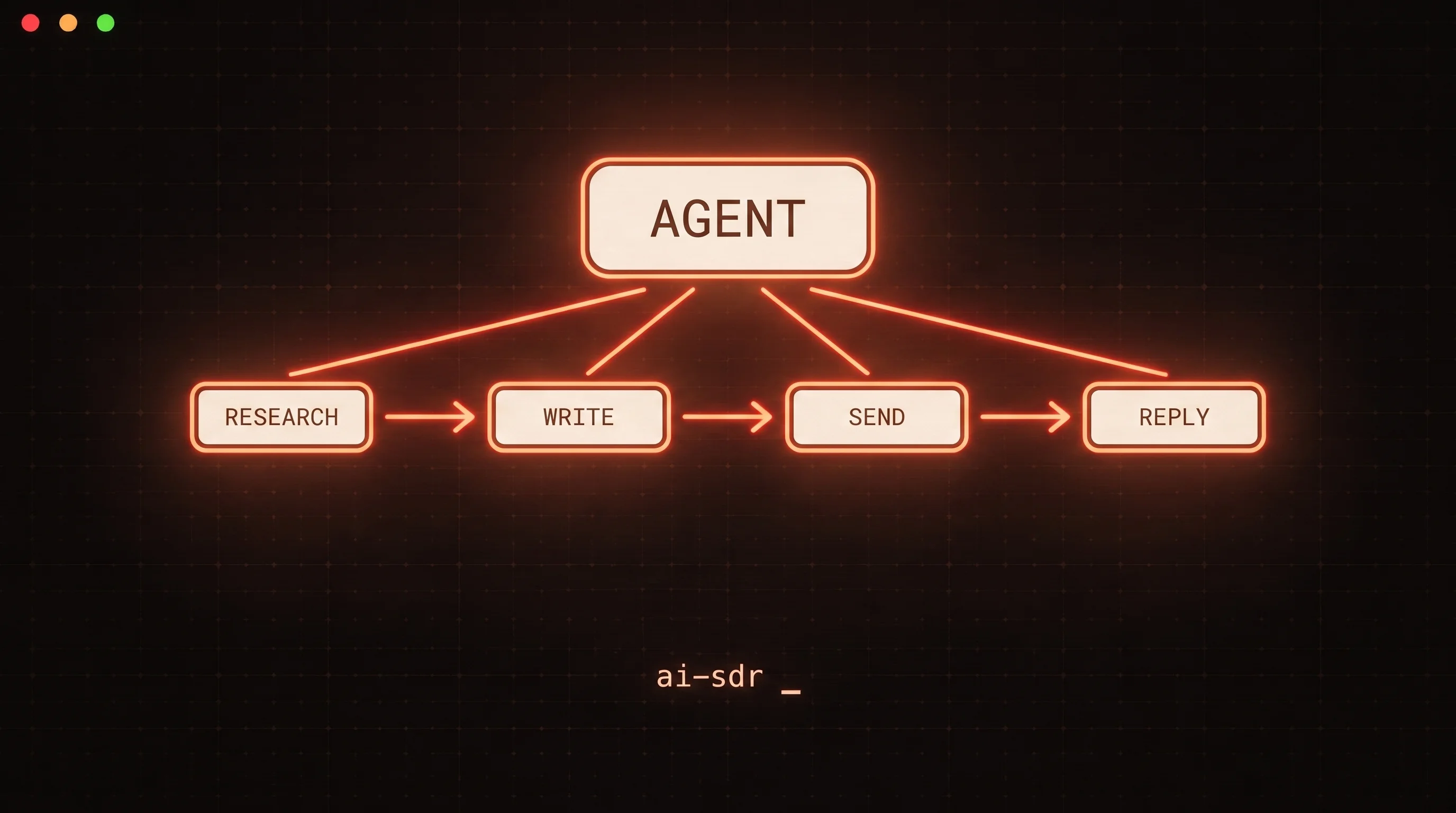
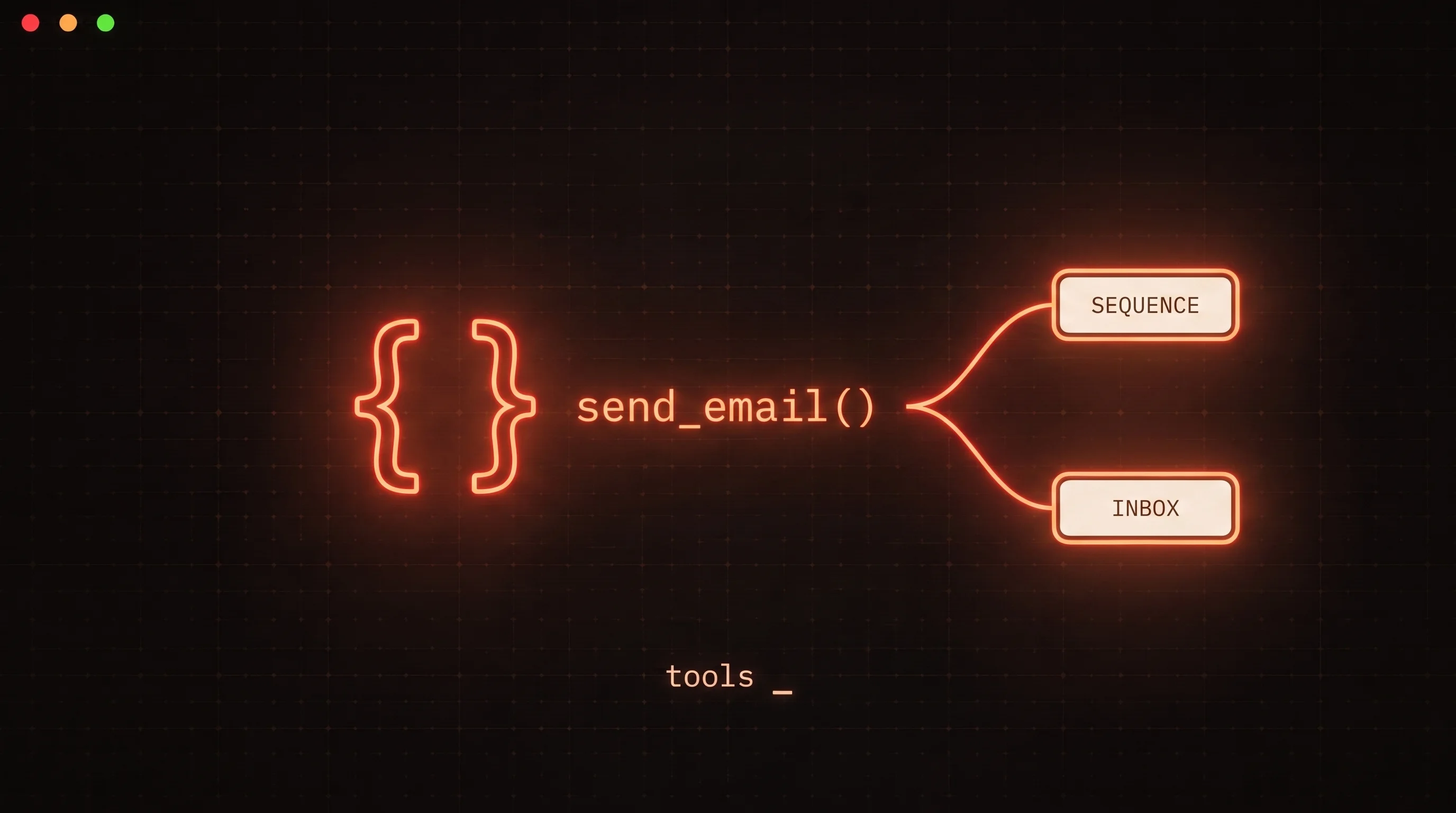
Built for teams that automate. If your team connects tools together or builds workflows around outbound, FoxReach gives you everything you need to plug in. It comes with a REST API, a hosted MCP server, SDKs for Python and TypeScript, a command-line interface, and webhooks. All of it is included in the plan.
What comes with you
The good news is that almost everything you care about moves over. Here is what you can bring.
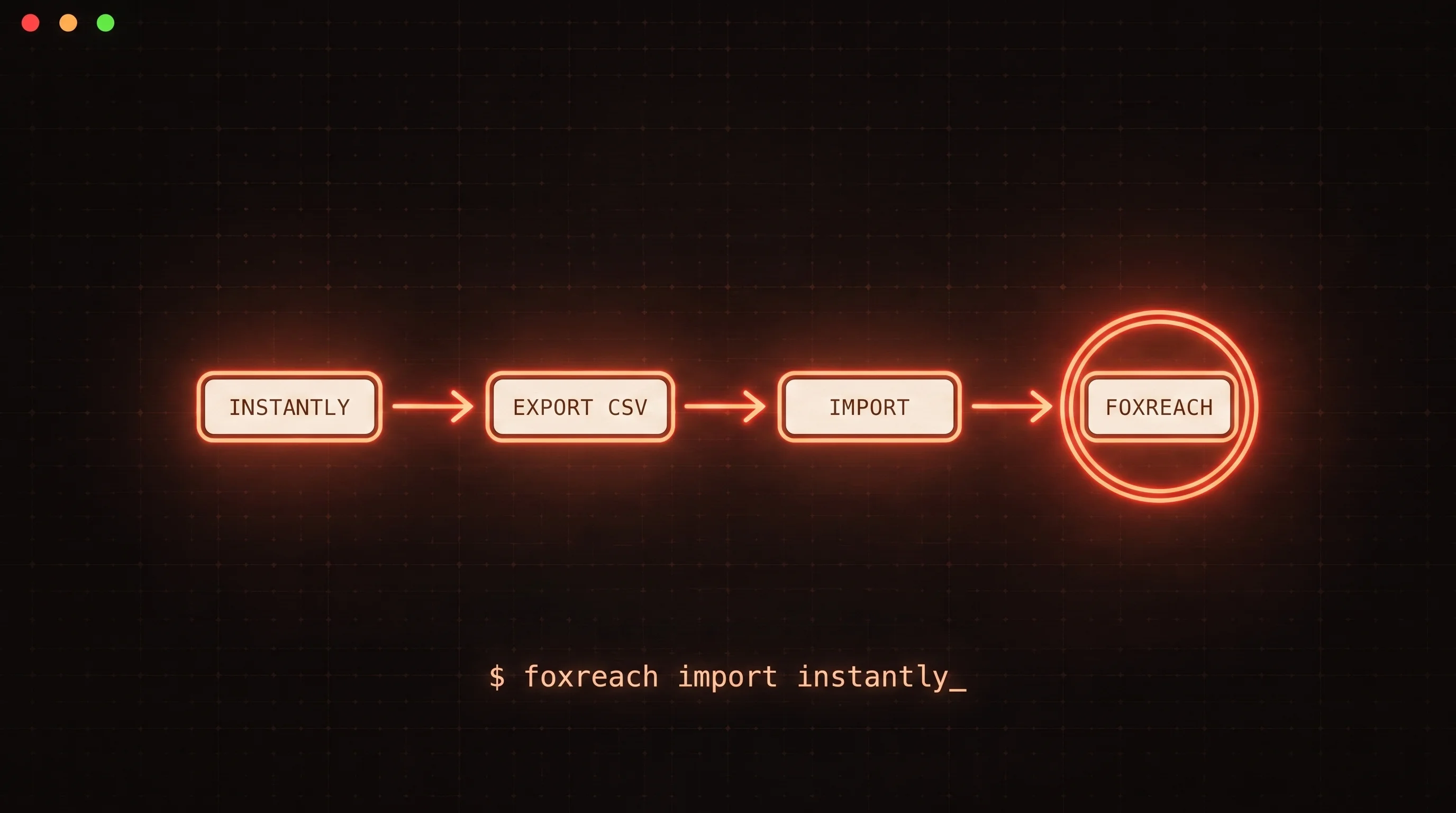
Your contacts. Export your lists from Instantly as CSV files. Import them into FoxReach and the columns map automatically. Your contacts are ready in minutes.
Your email accounts. Disconnect your Gmail, Outlook, or SMTP accounts from Instantly. Then connect them in FoxReach. Each one takes about 30 seconds. The accounts are the same, they are just connected to a different platform now.
Your warmup reputation. This is the one people worry about the most, so it is worth saying clearly: your inbox reputation travels with the inbox, not with the tool. If your inboxes were well warmed in Instantly, that full reputation carries over when you connect them to FoxReach. The warmup continues automatically from where it left off.
Your email copy. Copy your best subject lines, email bodies, and follow-up sequences from Instantly into a doc. Then recreate them in FoxReach. There is no automated import between platforms, but it only takes a few minutes per sequence since you already have the copy written.
Your inbox reputation is yours, not Instantly's. When you move an inbox to FoxReach, it keeps the trust it built. FoxReach warmup picks up right where Instantly left off.
The four steps to migrate
Step 1: Export your contacts
Go into your Instantly campaigns and export each contact list as a CSV file. Also save your best email sequences, subject lines, body text, and follow-up steps, into a doc or spreadsheet. You will use these to rebuild your campaigns in FoxReach.
Take note of which email accounts are currently connected. You will reconnect them in the next step.
Step 2: Set up FoxReach
Create your FoxReach account and log in. Then connect your email accounts. Gmail connects with an app password. Outlook connects the same way, or through SMTP. Each one takes about 30 seconds.
Once an account is connected, warmup starts automatically. There is no toggle to flip, no add-on to buy, and no separate warmup tool needed. Every connected sender gets warmed up from the moment it is linked.
Step 3: Import your contacts
Go to leads in FoxReach and import the CSV files you exported in Step 1. The columns auto-map, so there is very little manual work. Check the mapping, confirm it, and your contacts are ready.
Step 4: Rebuild your sequences and launch
Create new sequences in FoxReach using the email copy you saved earlier. Set up your follow-up steps, delays, and A/B test variants. Assign the sending accounts you connected in Step 2, choose your rotation settings, and launch.
That is it. Your campaigns are running.
How long does it take?
Most teams finish the whole process in about an hour and a half to two hours of actual work.
| What you do | Time |
|---|---|
| Export contacts from Instantly | About 30 minutes |
| Set up FoxReach and connect inboxes | About 15 minutes |
| Import contacts | About 10 minutes |
| Rebuild sequences | 30 to 60 minutes |
| Total | 1.5 to 2 hours |
A few tips
Start with your best campaign. Move your highest performing campaign first. Get it running in FoxReach, see it working, and then move the rest. No need to do everything at once.
Do not send from both platforms at the same time. If you send the same email to the same contact from two tools, it doubles your sends and hurts deliverability. Move a campaign fully before launching it.
Cancel Instantly when you are done. Once your campaigns are running in FoxReach, cancel your Instantly subscription so you stop paying for a tool you are no longer using.
See how the two compare
Still weighing the decision? Our FoxReach vs Instantly comparison breaks down pricing, deliverability, and the developer toolkit side by side.
Need help moving over? Reach out at support@foxreach.io.