It is Monday morning and you are looking at a list of 800 leads your team pulled last week. You know that maybe 200 of them are worth a personal message, that each one needs ten minutes of research to write an opener that does not sound like a template, and that by the time a human works through the list at that pace, half the buying signals that put those companies on it will be stale. You have thought "an agent should just do this" more than once. This guide is how you actually build that agent.
The plan here is deliberately hands-on. If you want the definition of the role and where it fits in a sales org, the explainer on what an AI SDR is covers that ground. This post assumes you have decided to build one and want the architecture, the components, and the sequence to ship it.
Build or buy, decided quickly
Most articles on this keyword spend half their length on the build-versus-buy debate and land on "buy." That advice is fine for a non-technical sales team that needs a standard motion running this week. It is the wrong default for the person reading this.
You build an AI SDR when you want to own the orchestration - the logic that decides whom to contact, what to say, and when to stop - and keep your ICP, your data, and your judgment inside systems you control. You buy when outbound is not a place you want to invest engineering time. The version most technical teams settle on is a hybrid: build the agent yourself, and let it call a hosted sending backend as a tool rather than reinventing SMTP, warm-up, and inbox rotation. You own the brain. You rent the hands.
The closed loop you are building
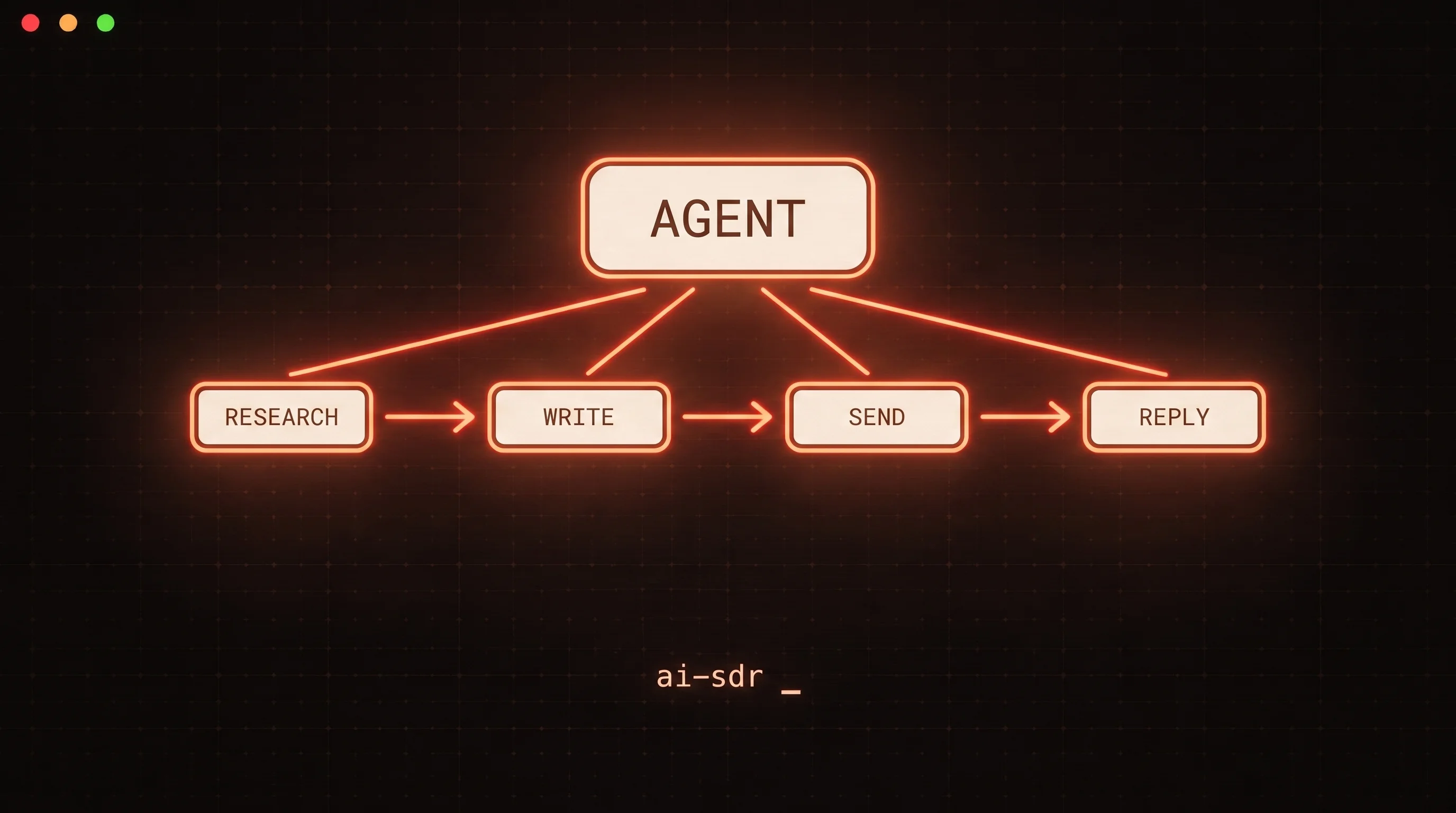
An AI SDR is not one prompt. It is a loop that takes a raw lead and moves it toward a booked meeting, learning from what happens at each step. Most reference architectures converge on the same stages:
| Stage | What the agent does | Owned by |
|---|---|---|
| Source | Pull leads from a list, CRM, or product signal | Your data layer |
| Enrich | Fill in title, company, tech stack, recent events | Enrichment API |
| Research | Read the enriched record, find one specific hook | Model + research tool |
| Draft | Write a short, specific first touch | Model |
| Send and sequence | Enroll the lead, send step one, schedule follow-ups | Sending backend |
| Triage | Classify replies, stop the sequence on a response | Model + backend |
| Hand off | Route interested prospects to a human, book the meeting | Human or calendar tool |
| Feedback | Score which leads and messages worked, adjust the ICP | Your data layer |
The mistake that turns a demo into a dead end is building the first four stages, showing a slick "look, it wrote an email" video, and never closing the loop through send, triage, and feedback. The last four stages are where an AI SDR stops being a copywriter and starts being a system. Design for the whole loop from day one, even if you ship it one stage at a time.
The four components you assemble
Underneath the loop there are only four moving parts. Get these right and the rest is wiring.
- A model provider. The brain that reads records, writes copy, and classifies replies. Any frontier model works; pick one with reliable tool calling.
- A research tool. A web search or scraping API so the agent grounds its opener in something real and recent rather than hallucinating a hook.
- An orchestrator. The code or framework that runs the loop, holds state, and passes tool results back to the model. This can be a framework or a plain
whileloop - both are legitimate. - A sending backend, exposed as a tool. The piece that actually creates leads, enrolls them in sequences, sends, and reports replies. The agent should reach it by calling typed functions, not by driving a UI.
That fourth component is where most build guides wave their hands. It is the one that carries real-world risk, because a bad send hits a real inbox and burns a real domain. It deserves the most care.
Step by step
Step 1: Write the ICP and the loop boundary first
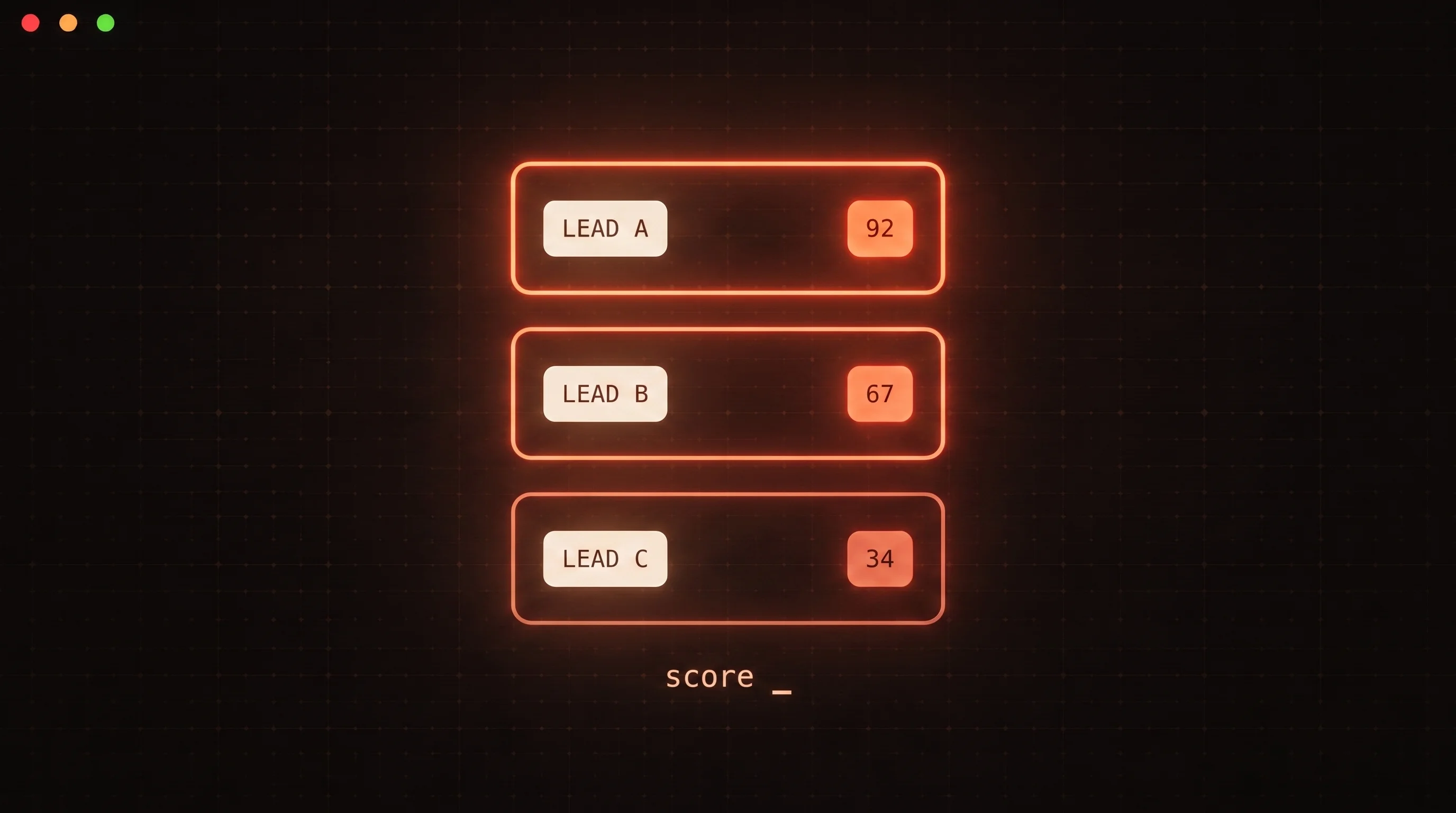
Before any code, write two documents. The first is your ideal customer profile as a rubric the model can apply - titles that qualify, company traits that matter, hard disqualifiers. The second is the boundary: which decisions the agent makes alone and which it escalates. Skipping this is how people end up with an agent that emails their own customers. The lead scoring with Claude playbook shows how to turn that rubric into a deterministic score the loop can act on.
Step 2: Wire the model to a research tool
Give the model a search tool and prompt it to find exactly one specific, recent fact about the lead - a funding round, a job posting, a launch. Constrain it. An agent told to "research the company" writes a paragraph of filler; an agent told to "return one sentence a founder would recognize as specifically about them" writes an opener. This step is cheap to test in isolation: feed it ten real leads and read the ten hooks it produces before you wire anything else.
Step 3: Give the agent a sending backend as a typed tool
This is the step that separates a chatbot from an SDR. The agent needs typed actions it can call - create a lead, start a campaign, send a message, check for replies, suppress a contact. You define each as a tool with a name, a description, and a JSON input schema, and the model returns a structured call your code executes. Anthropic's tool use documentation describes this round trip in detail, and the deep dive on tool calling cold email APIs covers how to design the tool surface so the model calls the right function with complete arguments.
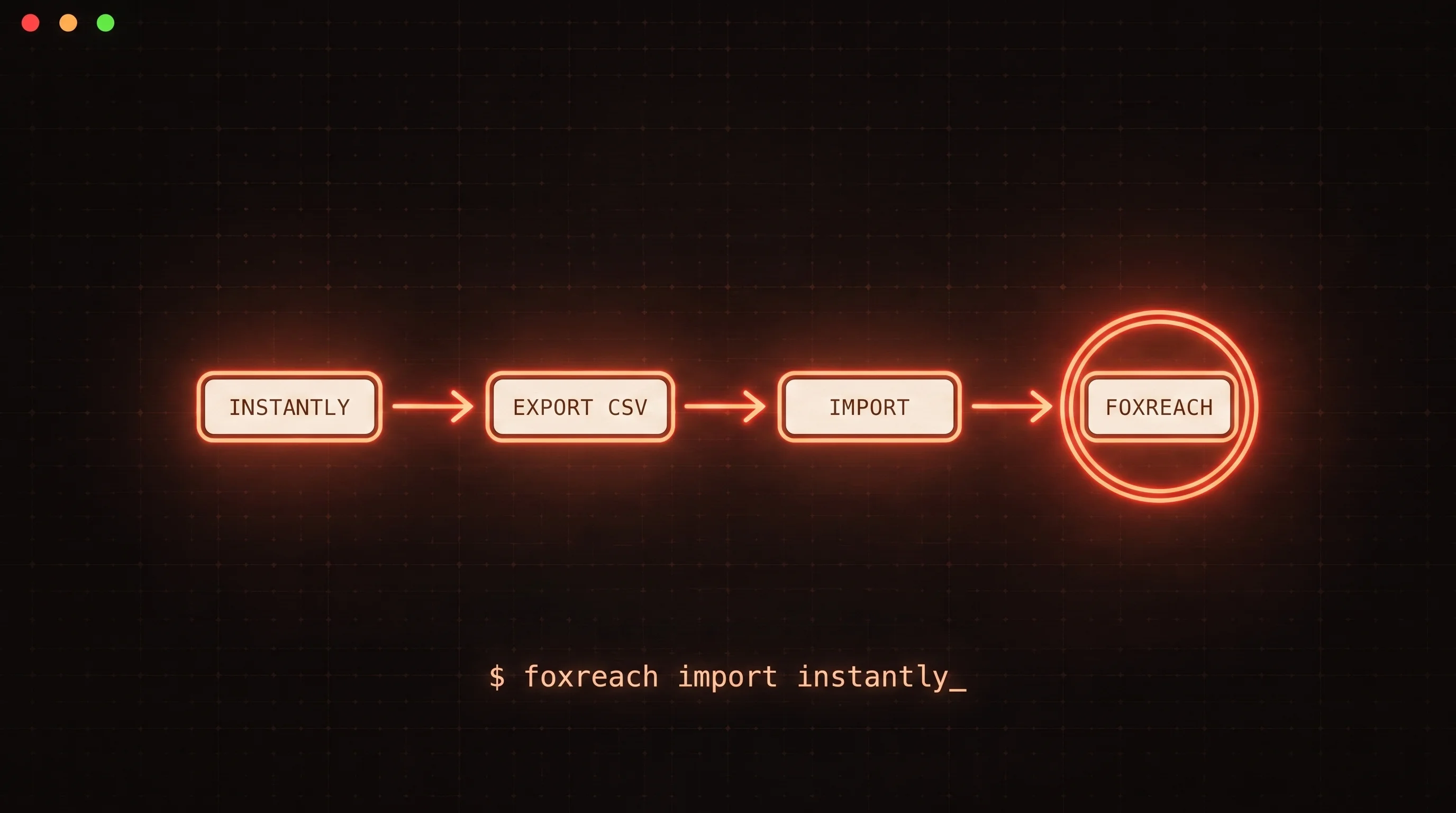
You have two ways to expose that surface. Hand-write the tool definitions for one model provider, or expose the backend once through the Model Context Protocol - an open standard for connecting AI applications to external systems, described in its own docs as "a USB-C port for AI applications." MCP turns an N-times-M integration problem into N-plus-M: any MCP-capable client can discover and call your tools without bespoke glue. The FoxReach MCP server is exactly this for outbound - leads, campaigns, sequences, inbox, and analytics exposed as typed tools at one authenticated endpoint, so the agent you build runs real outreach through the same audited API the app uses. This is the fastest way to get the fourth component in place without writing a sending stack yourself.
Step 4: Constrain the drafting step
With the hook from step 2 and the send tools from step 3, the drafting prompt is short: write a two-to-four sentence message that opens with the specific hook, states one reason to talk, and ends with a low-friction ask. Give the model a few of your best real emails as examples. Ban the phrases you never want to see. Keep messages short - an agent that writes long is an agent that gets deleted.
Step 5: Add sequencing and reply triage
A single email is not outbound. The agent enrolls the lead in a sequence and, critically, stops that sequence the moment a reply arrives. Reply handling is its own skill: classify each reply as interested, not now, objection, or opt-out, and act accordingly. The pattern in autonomous reply triage shows how to make that classification reliable enough to trust with the stop-and-route decision.
Step 6: Put a human on the decisions that carry risk
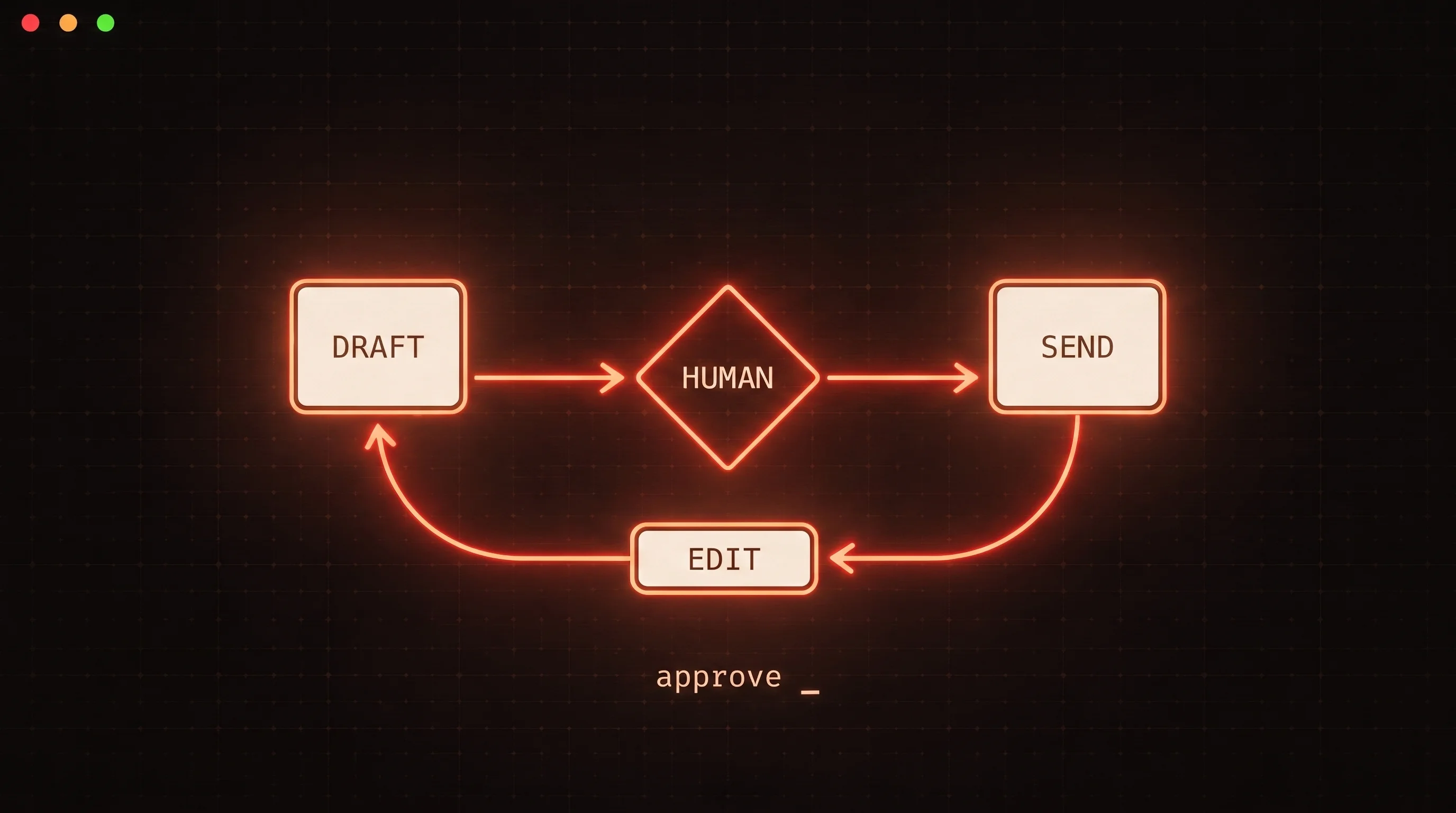
Full autonomy is a trap you should design around, not toward. The durable pattern is exception-based: the agent runs alone on routine sends and escalates only the calls that are expensive to get wrong - a first touch to a dream account, an ambiguous reply, a message that trips a confidence threshold. The approval step should be a real tool the agent calls, so the pause and resume live inside the same run. The patterns in human-in-the-loop cold email map out where to put that gate so it catches mistakes without throttling throughput.
Step 7: Build the deliverability foundation in parallel
None of the agent work matters if the mail lands in spam. This is the step first-time builders underestimate. You need secondary sending domains, correct SPF, DKIM, and DMARC records, and a warm-up period before cold volume. Google's email sender guidelines require authentication and one-click unsubscribe for anyone sending meaningful volume to Gmail, and they are enforced, not advisory. Because warm-up takes weeks, start the domains warming on day one and build the agent while they age. Our guide to cold email deliverability covers the authentication and warm-up specifics.
Step 8: Close the feedback loop
The last stage is what makes the whole thing improve. Feed outcomes - opens, replies, meetings, disqualifications - back into your ICP rubric and your message examples. An AI SDR that scores its own results and adjusts is a compounding asset. One that fires and forgets is a very expensive send button.
Example economics
Treat the following as example math, not a benchmark - measure your own numbers before you plan around them. Say your research-plus-drafting stack burns a few cents to twenty cents of inference per lead depending on model choice, and your sending backend is a flat monthly cost. Against the fully loaded cost of a human doing the same research and drafting, the per-lead inference cost starts to win once you are contacting more leads than a person could thoughtfully touch - somewhere in the low thousands per month for most teams. The point is not the exact figure. It is that the crossover is real and arrives sooner than most people expect, which is precisely why you are building this.
The mistakes that kill the build
- Shipping the demo, not the loop. A drafting agent that never sends, triages, or learns is a party trick. Build through the last four stages.
- Letting the agent drive a UI. If your agent clicks buttons in a browser, it will break the first time the page changes. Give it a typed API instead.
- Generic research. An opener that could be sent to any company gets the response any spam gets. Constrain the research step to one specific fact.
- Ignoring deliverability until the end. The domain warm-up is the long pole. Start it first.
- No human boundary and no kill switch. An unsupervised agent sending at machine speed makes machine-speed mistakes.
The decision rule
Here is the whole thing in one line: if you want to own the judgment and can give the send infrastructure to a tool, build the agent and call a backend - if you want to own neither, buy a product instead. For everyone in the first camp, the shortest path is to wire your agent to the FoxReach MCP server so the model proposes the sends and a real, authenticated outbound API executes them, and read the overview of cold email built for AI agents to see how the sourcing, sending, and reply stages connect. Start this week by getting steps 2 and 3 working on ten real leads - one good hook and one real send through a typed tool - and the other six steps become a matter of wiring, not invention.