
Type "how to score leads with Claude" into Google and most of what comes back is the same recipe: paste a CSV into a chat window, ask the model to tier the rows, copy the result back into a spreadsheet. It works once. It does not survive contact with a real outbound operation, where the list refreshes weekly, the scores need to drive send order automatically, and nobody has time to babysit a chat window.
This guide is the version that survives. It covers what lead scoring with Claude actually is, how to write a scoring rubric the model can apply consistently, how to make the output deterministic instead of a vibe, which model to run it on, and - the part every quick tutorial skips - how to close the loop so the scores act on your sending system without a human in the middle.
What lead scoring with Claude means
Lead scoring is the step where a raw list of contacts becomes a ranked send queue. Every lead gets a number that answers one question: how well does this person match the customer we actually close?
Traditional lead scoring is either a human reading rows or a rules engine matching exact strings - title = "VP of Sales" gets 10 points, anything else gets 0. Both break on messy data. The human does not scale past a few hundred rows. The rules engine misses "Head of Revenue," "Sales Leader," and "Commercial Director" because they are not literally "VP of Sales."
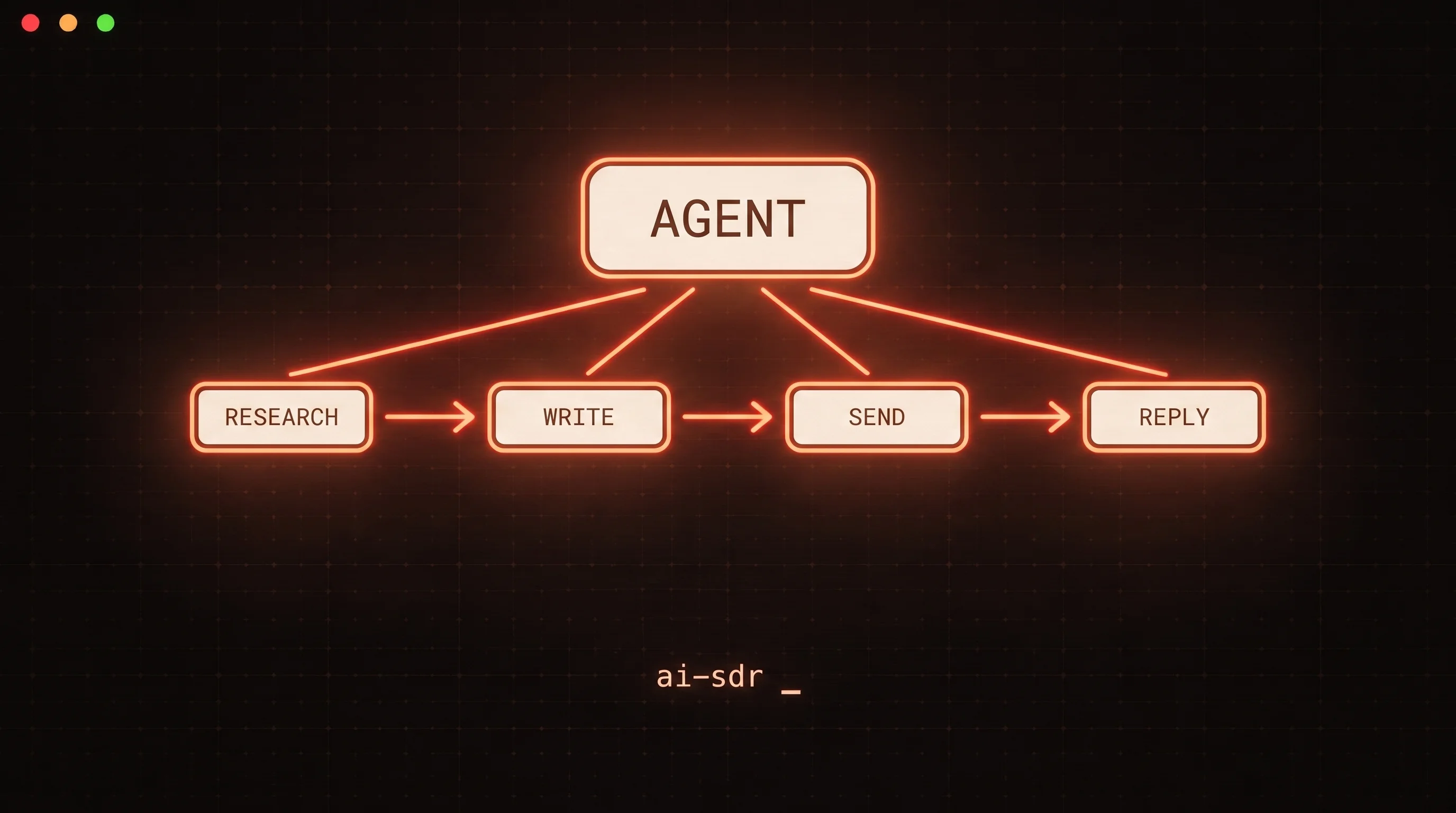
Lead scoring with Claude replaces the brittle middle. You hand the model a lead record - title, company, industry, headcount, whatever your enrichment provider returns - plus your definition of a good fit, and it returns a score with a short reason. It reads "Head of Revenue at a 40-person Series A SaaS company" and understands that maps to your ICP even though no exact string matched. This is the same pattern behind an AI SDR: a model doing the judgment work a junior rep used to do, at list scale.
Start with the rubric, not the model
The most common mistake is prompting "score this lead from 1 to 10" and hoping the model shares your definition of a 10. It does not. The rubric is the product; the model just applies it.
Write your ideal customer profile as explicit, weighted factors. For a typical B2B SaaS motion that might be:
| Factor | Weight | What a high score looks like |
|---|---|---|
| Title seniority + function | 35% | Decision-maker in the buying function (Head of Sales, RevOps lead) |
| Company size | 25% | Inside your sweet-spot headcount band |
| Industry fit | 20% | A vertical you have closed before |
| Buying signal | 15% | Recent hiring, funding, or tech-stack signal |
| Disqualifiers | -100% | Competitor, current customer, wrong geography |
Put that table in the prompt verbatim. Now the model is not inventing criteria - it is grading against yours. When you later disagree with a score, you edit the rubric, not the model.
Tip: keep a hard disqualifier list separate from the weighted factors. A competitor employee should score zero no matter how senior they are, and mixing that into a weighted average lets a strong title paper over a fatal flaw.
Make the output deterministic
A free-text answer like "This is a strong lead, probably an 8" is useless to a pipeline. You cannot sort on it, and the same lead can come back a 7 tomorrow. Constrain the output.
The reliable way is tool use with a strict schema. You define a score_lead tool whose input schema is exactly the shape you want back, force the model to call it, and set strict: true so the tool call is guaranteed to validate against your schema. (Anthropic's structured outputs feature is the sibling mechanism when you want a JSON response rather than a tool call.) Either way you never parse a stray sentence:
{
  "name": "score_lead",
  "description": "Score one lead against the ICP rubric.",
  "strict": true,
  "input_schema": {
    "type": "object",
    "properties": {
      "tier": { "type": "string", "enum": ["A", "B", "C", "disqualified"] },
      "title_fit": { "type": "integer", "minimum": 0, "maximum": 10 },
      "company_fit": { "type": "integer", "minimum": 0, "maximum": 10 },
      "signal": { "type": "integer", "minimum": 0, "maximum": 10 },
      "reason": { "type": "string" }
    },
    "required": ["tier", "title_fit", "company_fit", "signal", "reason"]
  }
}
There is a stronger version of this. Instead of asking the model for the final score, ask it only to read and label the factual attributes - seniority, function, size band, signal present or not - and then compute the weighted score in your own code. The arithmetic is deterministic, the model only does the reading-comprehension part it is actually good at, and every score is auditable back to a factor. That split is the difference between a scorer you trust on a 10,000-row list and one you spot-check nervously.
Which Claude model to run it on
Lead scoring is short-context and high-volume, which is the exact profile the cheap fast tier is built for. Default to Claude Haiku 4.5: it reads a lead record and returns a structured tier well, and it is the lowest-cost model. According to Anthropic's pricing, Haiku 4.5 runs $1 per million input tokens and $5 per million output tokens, while Claude Sonnet 4.6 is $3 and $15 for the same.
As example math, a lead record plus a compact rubric prompt might be a few hundred input tokens with a small structured output. At Haiku pricing that lands well under a cent per lead, so scoring a list of several thousand contacts costs a few dollars - cheap enough that re-scoring the whole list when your ICP shifts is a non-event. (Treat those numbers as illustrative; your real cost depends on how much context you attach per lead.)
Reach for Sonnet 4.6 when the judgment is genuinely hard - reading a paragraph-long company description to decide if they are really in your market, or weighing signals that point in different directions. The efficient pattern is a two-pass one: score everything on Haiku, then re-score only the borderline band (say tiers that landed right on a threshold) on Sonnet. You pay the premium on the 10% of leads where it changes the decision, not the 90% where Haiku was already right. This mirrors the escalation pattern that works for autonomous reply triage - cheap model first, expensive model only on the ambiguous cases.
Close the loop: scores that act
Here is where the copy-paste tutorials stop and real outbound begins. A tier column in a spreadsheet is not lead scoring - it is a report. The value shows up only when the score changes what gets sent, to whom, and when, without a human moving data between tools.
That means the scorer has to write back into your sending system. The tier decides who enters a campaign; a disqualified verdict suppresses the contact; the A-tier leads jump the send queue. In an agent-native stack, the scoring agent does this itself by calling your outreach platform as a tool. That is exactly what the FoxReach MCP server exists for: it exposes leads, campaigns, and suppression as tools an AI agent can call directly, so the same run that scores a lead can enroll it, tag it, or suppress it in one motion. No CSV export, no Zapier hop, no nightly sync job that drifts out of date.
This is the whole premise of cold email for AI agents: the model does not just produce a judgment, it takes the action the judgment implies. Scoring a list and then hand-uploading the results is the manual seam that agent-native outbound removes.
Guardrails worth keeping
Automating the score does not mean automating away oversight. A few things earn their place:
- A held-out check set. Keep 50 leads you have hand-scored and re-run them whenever you change the rubric or the model. If the agreement rate drops, you changed something you did not mean to.
- A confidence or reason field. Every score should carry a short reason. When a rep disagrees, the reason tells you whether the rubric is wrong or the data was bad.
- Human review on the A-tier. The cost of mis-scoring a great lead into tier C is a missed deal. Have a person skim the top tier before it enters a high-touch sequence - the volume there is small by definition.
- Fresh disqualifiers. Competitors and current customers change. Refresh that list on a schedule, because a stale disqualifier list is how you email your own customer a cold pitch.
The one rule to take away
If the score does not change what your system sends, you have not built lead scoring - you have built a spreadsheet with extra steps. Score on the cheapest model that clears your accuracy bar, compute the final number in code so it is auditable, and wire the result straight into your sending workspace through the FoxReach MCP server so the ranking acts on its own. Start by scoring one real list against a written rubric this week; the disagreements you find will teach you more about your ICP than another quarter of guessing.