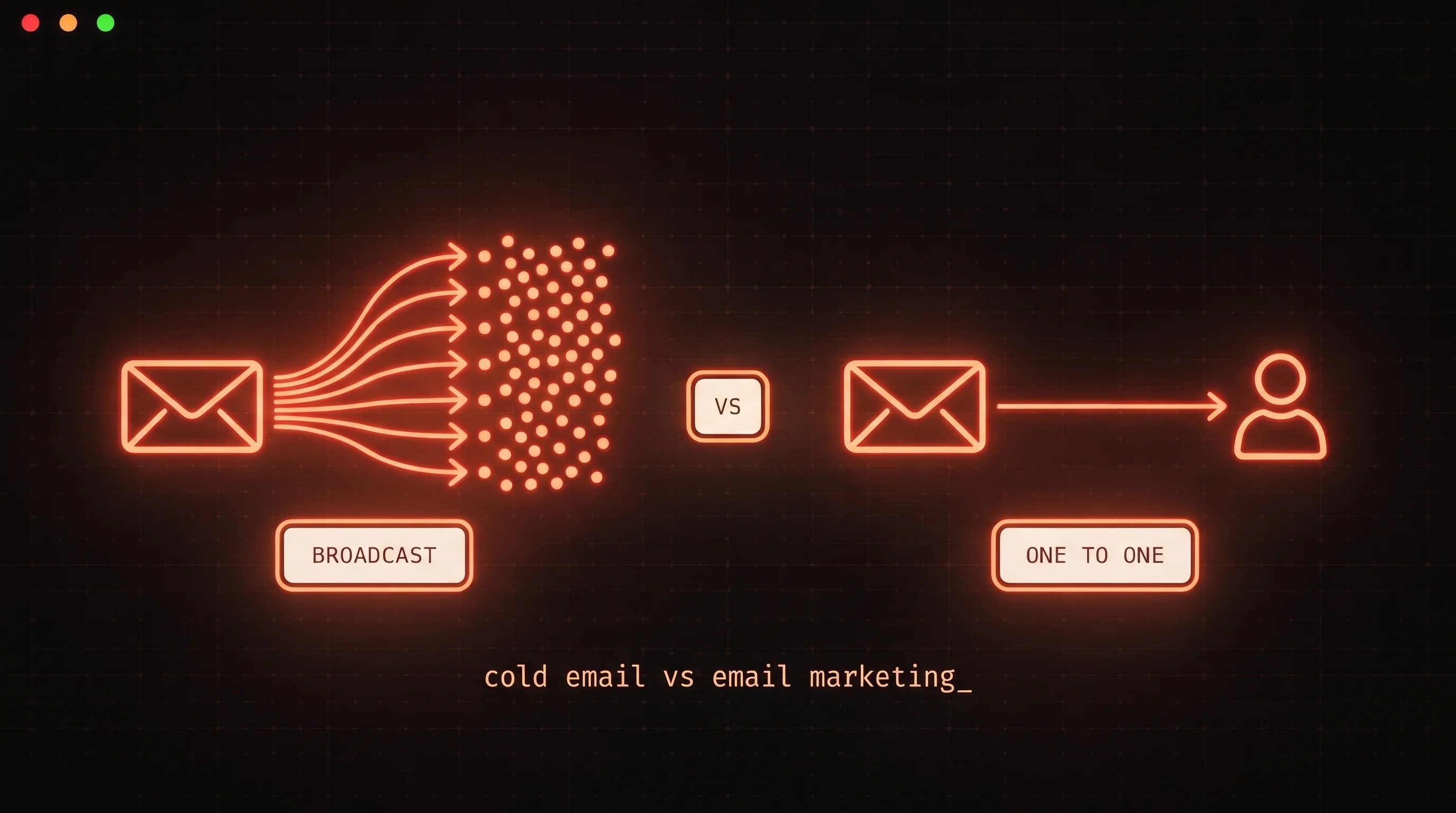
You already have n8n running. Leads are flowing in from your CRM, enrichment is pulling company data, and someone asks: can we just add cold email to this workflow?
The answer is yes - but the way most builders wire it leads to a deliverability failure that takes two to three weeks to surface, by which point a domain's sender reputation is damaged and the connection between the workflow and the failure is no longer obvious.
This post explains what the SMTP-based templates miss, why those gaps matter specifically for n8n cold email automation, and the architecture that actually holds up at scale.
What most n8n cold email workflows look like
Search for n8n cold email on GitHub or the n8n community forums and you will find workflows that follow the same pattern: a trigger (Google Sheets row added, HubSpot contact created, webhook received), a personalization step using a GPT-4 or Claude node, and a Gmail or SMTP node to send the email.
The appeal is obvious. You probably already have a Gmail or Google Workspace account. SMTP works with almost any email provider. The n8n SMTP node accepts standard credentials and fires immediately. You can have something sending in under an hour.
The problem is not that the workflow does not work. The problem is that it works right up until the moment it stops working, with no early warning.
The three things raw SMTP skips
1. Email account warmup
A new sending domain or inbox starts with no sender reputation. Mailbox providers - Gmail, Outlook, Yahoo - treat unknown senders as suspicious by default. Warmup is the process of building that reputation: starting with a small volume of sends, generating positive engagement signals (real opens and replies), and ramping gradually over several weeks until the domain is trusted enough to handle production volume.
A raw SMTP node in n8n has no warmup integration. You point it at your Gmail or SMTP credentials and it sends whatever volume your workflow produces. If you build a workflow that queues 200 contacts and run it on a fresh domain, the deliverability failure will be complete and immediate - most sends go to spam, some trigger spam complaints, and the domain's reputation begins a decline that is difficult to reverse.
Google Postmaster Tools can show you where a domain stands in real time, but a raw SMTP workflow has no connection to that data and no ability to adjust behavior based on reputation signals.
2. Inbox rotation
Cold email at any meaningful volume requires multiple sending accounts and multiple domains. Running all sends from a single inbox concentrates risk: if that inbox gets flagged, every active sequence is affected. Inbox rotation distributes sends across multiple accounts to reduce per-inbox volume, spread reputation risk, and maintain throughput when one account temporarily underperforms.
A Gmail or SMTP node sends from the account you configured. If you want to rotate across inboxes, you have to build that logic yourself in n8n - maintaining a list of accounts, a counter or round-robin selector, separate credentials per account, and error handling for each one. That is significant workflow complexity for functionality that a dedicated cold email tool handles automatically.
3. Bounce handling and circuit breaking
Every cold email sequence produces some bounces - addresses that do not exist, domains that reject the message, full mailboxes. Elevated hard bounce rates signal to mailbox providers that the sender is not maintaining their list. Google's published Email Sender Guidelines track spam complaint rate (via Postmaster Tools) as the primary reputation signal, with a threshold of 0.10% for warnings and 0.30% where enforcement begins - a bounce pattern on an unverified list feeds those complaint rates directly.
A raw SMTP workflow can capture SMTP delivery errors, but acting on them requires additional workflow logic: parsing the error type, distinguishing hard from soft bounces, suppressing the bounced address from future sends, and deciding whether to pause the campaign. Most n8n cold email templates do none of this. The workflow marks the send as completed regardless of what the SMTP response was, and the bounced addresses remain in the rotation.
Without a circuit breaker - automated logic that pauses a campaign when the bounce rate crosses a threshold - a workflow running on a degraded list continues sending until the domain reputation is damaged beyond recovery.
Why these gaps matter more for n8n cold email than for manual outreach
A human SDR sending 50 emails a day from their personal inbox is unlikely to trip any of these failure modes. The volume is too low to trigger reputation signals, the inbox is already warmed by years of regular use, and bounce handling is a minor operational concern.
An n8n cold email automation workflow is different in three ways. First, it runs autonomously - it will process whatever is in the queue without pause unless something in the workflow stops it. Second, it often scales faster than the infrastructure supports: once the workflow is built, adding more leads to the trigger source is trivial, and the workflow will send them. Third, the failure mode is invisible until it is severe. The workflow logs show successful SMTP deliveries. The emails appear to send. Spam placement and reputation decline happen outside the workflow's visibility.
The result is a failure pattern that shows up repeatedly in builder stacks: one to two weeks of workflow logs showing successful SMTP deliveries, followed by a sudden and unexplained drop in replies as inbox placement collapses. The workflow looks fine. The infrastructure underneath it was never ready.
The correct architecture for n8n cold email automation
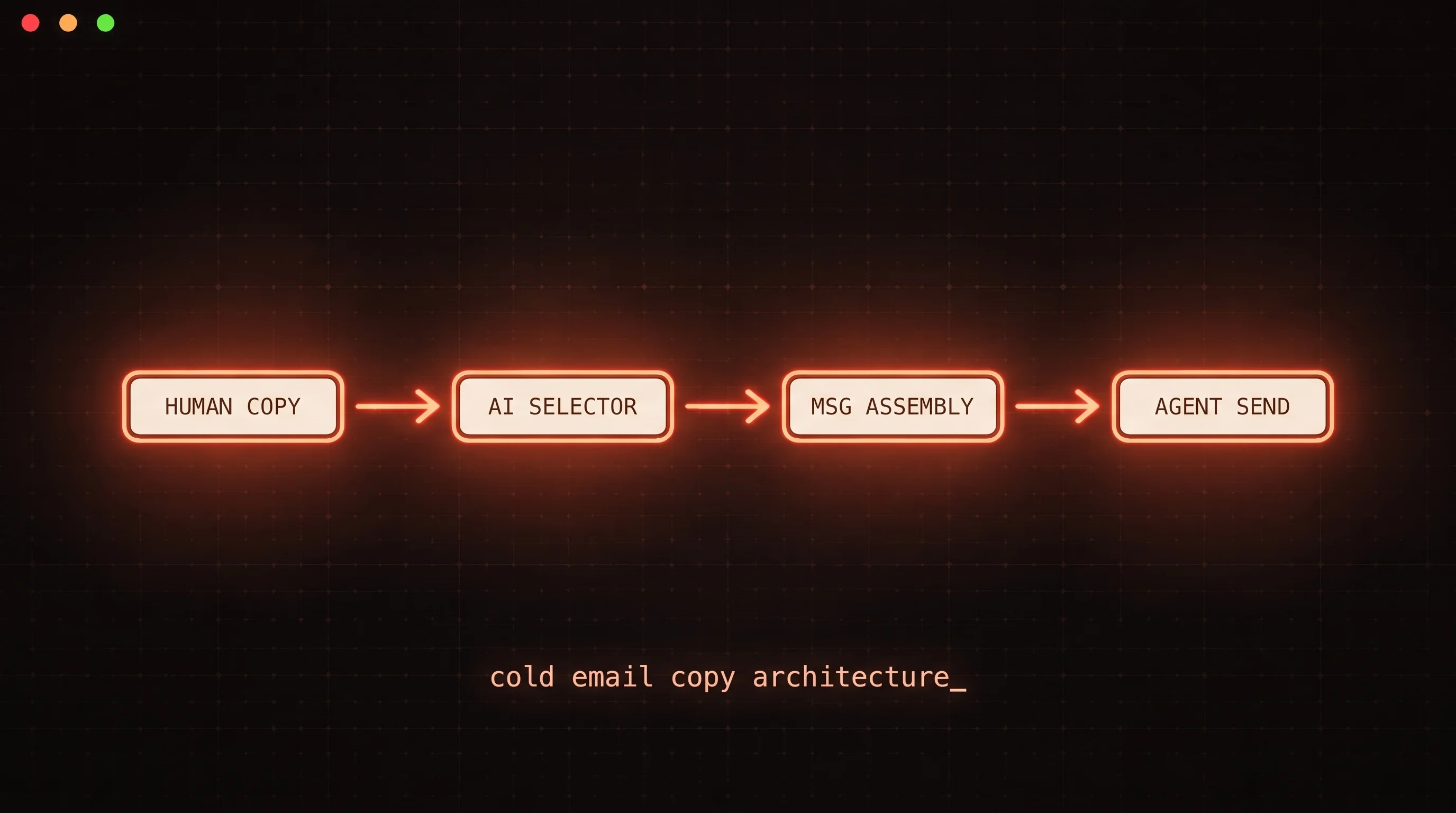
The correct architecture routes n8n workflow triggers through a dedicated cold email backend rather than a raw SMTP connection. The n8n workflow handles what it is good at - integration logic, data transformation, conditional routing, notification - and the cold email backend handles what SMTP cannot: warmup enforcement, inbox rotation, bounce circuit breaking, and per-inbox reputation tracking.
FoxReach's community node for n8n (n8n-nodes-foxreach) is built for this pattern. Install it from Settings > Community Nodes in your n8n instance by entering the package name. On n8n Cloud, an owner or admin must have community nodes enabled at the organization level first - the n8n community nodes guide covers the prerequisite step. Self-hosted instances can also run npm install n8n-nodes-foxreach in the n8n root directory and restart. This adds two nodes to your canvas:
- FoxReach - the action node, covering eight resources: Lead, Campaign, Sequence, Template, Email Account, Inbox, Analytics, and Webhook
- FoxReach Trigger - the event node, which starts a workflow when a FoxReach event fires (reply received, reply categorized, email bounced, campaign completed, and eight others)
When you add a lead through the FoxReach node and assign them to a campaign, FoxReach handles the send-time decisions: which warmed inbox to route through, what volume is appropriate given current sender reputation, whether to pause based on bounce signals. The n8n workflow is the trigger and the orchestration layer; FoxReach is the infrastructure layer.
Three workflow patterns to build today
CRM to campaign sync. When a new contact is created in your CRM - HubSpot, Pipedrive, or a Google Sheet - an n8n workflow uses the FoxReach node to create the lead and add them to the appropriate campaign. The campaign handles send timing, warmup compliance, and sequence pacing automatically. The n8n workflow's only job is the handoff.
Reply to CRM and Slack notification. The FoxReach Trigger node fires on Reply Categorized. An IF node checks whether the category field equals interested. On the true branch, the workflow updates the contact record in the CRM and posts to Slack with the prospect's email, the campaign, and the reply content. Your team knows about the interested reply within seconds of it being categorized, without checking the FoxReach inbox manually.
Bounce-triggered CRM hygiene. The FoxReach Trigger fires on Email Bounced. This is not a campaign-pausing workflow - FoxReach's own bounce circuit breaker already handles campaign pausing automatically when the bounce rate crosses its threshold. This workflow handles the integration side: the n8n workflow extracts the bounced email address and marks the corresponding record in your CRM as invalid, so the address does not recirculate from a future list pull. The infrastructure layer protects deliverability; the n8n workflow keeps the source of record clean.
The n8n integration documentation covers the full node schema, all available trigger events, and the setup steps for each workflow pattern in detail.
The n8n cold email automation question to ask before you build
Before wiring an outreach workflow in n8n, one question cuts through the build-vs-integrate decision: are you solving an integration problem or an email infrastructure problem?
Integration problems - syncing CRM contacts to leads, notifying Slack on replies, pausing a list when a deal closes in HubSpot - are exactly what n8n is designed for. It is one of the most capable workflow platforms available, with 200,000+ community members and over 500 native integrations.
Email infrastructure problems - warmup, reputation management, bounce handling, inbox rotation - are not workflow problems. They are dedicated infrastructure concerns that require persistent state, reputation monitoring, and real-time enforcement that a workflow node cannot maintain.
The teams that run reliable n8n cold email automation at scale use n8n for the integration layer and a dedicated cold email backend for the infrastructure layer. The SMTP templates skip the infrastructure layer entirely, which is why they produce results that look correct in the workflow logs and fail in the inbox.
Key takeaways
- Most n8n cold email templates route through Gmail or raw SMTP, which bypasses warmup, inbox rotation, and bounce handling - the three factors that determine inbox placement.
- The failure is not immediate. Deliverability degrades over one to three weeks as sender reputation declines, making the connection between the workflow and the failure hard to diagnose.
- The correct architecture uses n8n for integration logic (CRM sync, Slack notifications, conditional routing) and a dedicated cold email backend for infrastructure (warmup enforcement, inbox rotation, bounce circuit breaking).
- The FoxReach n8n community node (
n8n-nodes-foxreach) connects the two layers. Install it from Community Nodes, connect your API key, and the FoxReach action and trigger nodes handle the infrastructure side while your n8n workflows handle the integration side. - Three patterns to build first: CRM-to-campaign sync, reply-to-Slack notification, and bounce-triggered CRM hygiene. All three are documented at foxreach.io/integrations.