
What Happened to Cold Email in Late 2025
In November 2025, Google dropped a bomb on the cold email world. Thousands of Google Workspace mailboxes were banned overnight - accounts that had been running perfectly for years, gone in an instant.
But Google wasn't done. Weeks later, they rolled out a massive change to their spam filter algorithms. Campaigns that had been inboxing at 100% for over two years suddenly dropped below 50% overnight. It wasn't isolated - every serious cold emailer was affected.
The community panicked. People declared cold email dead.
But here's the thing - we've seen this pattern before. Microsoft made similar moves in 2024, and the industry adapted. Now Microsoft deliverability sits at 99%+. It's a constant push and pull: providers make changes, the community figures it out, and things stabilize.
That's exactly what happened with Google. After months of testing and experimentation, cold email to Google is back - and we're seeing 94-97% inbox rates again.
Here's everything that changed and exactly what you need to do to get there with FoxReach.
The Non-Negotiables: Get the Basics Right First
Before anything else, you need the fundamentals locked down. These haven't changed much, but they matter more than ever. If you mess these up, nothing else in this guide will help.
Perfect DNS Records
Your DNS authentication needs to be flawless - not good, perfect:
- SPF (Sender Policy Framework) - tells providers which servers can send on your behalf
- DKIM (DomainKeys Identified Mail) - adds a digital signature to verify the email wasn't tampered with
- DMARC (Domain-based Message Authentication) - tells providers what to do with emails that fail SPF/DKIM checks
FoxReach walks you through DNS setup during onboarding so every record is configured correctly before you send a single email.
Drop the Tracking Domains
This is a big change from previous best practices. We are no longer recommending custom tracking domains.
A tracking domain is a CNAME record that points to your sending platform's IP address. The problem? When thousands of cold emailers all have CNAME records pointing to the same platform, it's a red flag - a fingerprint that tells Google exactly what you're doing.
Since we're also turning off open tracking and click tracking (more on that below), there's no reason to have a tracking domain at all. Remove it.
Plain Text Only - No HTML, No Tracking, No Unsubscribe Links
For your first email in every sequence, send plain text only:
- No HTML formatting
- No open tracking pixels
- No click tracking
- No unsubscribe links
You might be thinking - don't Google and Microsoft require unsubscribe links? Yes, they say that. But remember, their goal is to create the best experience for their users, not to help cold emailers land in the inbox. In practice, unsubscribe links in cold emails hurt deliverability.
Instead of unsubscribe links, use FoxReach's AI-powered reply management to automatically detect opt-out requests. When someone replies with "stop," "remove me," or "not interested," FoxReach categorizes the reply and can automatically add them to your block list - so you never email them again.
This approach keeps you compliant without sacrificing inbox placement.
Think in Fingerprints
Here's the mental model that matters most in 2026: every email you send leaves fingerprints. Google and Microsoft are looking for those fingerprints to identify cold emailers.
Every technical signal is a potential fingerprint:
- CNAME records pointing to known cold email platforms
- OAuth connections to sending tools
- Tracking pixels and codes embedded in emails
- Naming conventions across your mailboxes
- Sending patterns and volume spikes
- Repeated phrases across thousands of emails
Your goal is to minimize fingerprints. The fewer signals you leave, the more your emails look like regular business communication - which is exactly how they should look.
Keep Volume Low - Scale with Mailboxes, Not Sends
This might be the single most important factor for protecting your accounts. Keep your email volume under 20 emails per day per mailbox. Ideally, aim for 10-15.
The accounts that survived Google's November bans had one thing in common: low volume. While most accounts were cranking out 40-50 emails per day, the ones sending 10-15 were untouched.
The math is simple: if you're doing proper warmup, those warmup emails are positive signals. If you're only sending 10-15 cold emails per day alongside them, your ratio of good-to-cold emails stays healthy.
Want to scale? Add more mailboxes through FoxReach's multi-account support and round-robin sending - don't increase volume per account.
Spam Complaints Will Kill You Faster Than Anything
If recipients are marking your emails as spam, nothing else matters. Google and Microsoft see spam complaints instantly and they will shut you down - not just the mailbox, but the domain, the IP address, and every fingerprint attached to it.
How to Minimize Spam Complaints
- Skip hostile prospects - Some recipients are known spam reporters. Avoid them entirely
- Honor opt-outs immediately - The fastest way to get reported is emailing someone who already said stop. FoxReach's AI reply categorization catches these automatically
- Use quality lead data - Verify your lists. Avoid spam traps and invalid addresses. Bounces and spam trap hits will destroy your sender reputation
- Send relevant, personalized emails - Generic mass emails get reported. Personalized, relevant outreach gets replies
Here's the silver lining: when you filter out hostile prospects, skip risky emails, and avoid spam traps, your list gets smaller - but your response rate goes way up. Higher engagement means better deliverability. It's a virtuous cycle.
What's Changed: Content Is Now a Deliverability Factor
Here's the biggest shift in 2026. The words you use in your emails matter more than ever.
Google and Microsoft are scanning every email and looking for language patterns common to cold emailers. But it's not just obvious spam words like "free" or "guarantee" anymore. Entire phrases are getting flagged - phrases that don't show up on any spam checker.
Why This Is Happening
When thousands of cold emailers use the same phrase repeatedly and recipients report those emails as spam, email providers start associating that specific phrase with spam. It can be something as innocent as:
- Your business address in your signature
- A specific call-to-action phrase
- Even your company name if it's been associated with enough complaints
The only way to identify which phrases are causing problems is to test different copy variations and measure inbox placement for each.
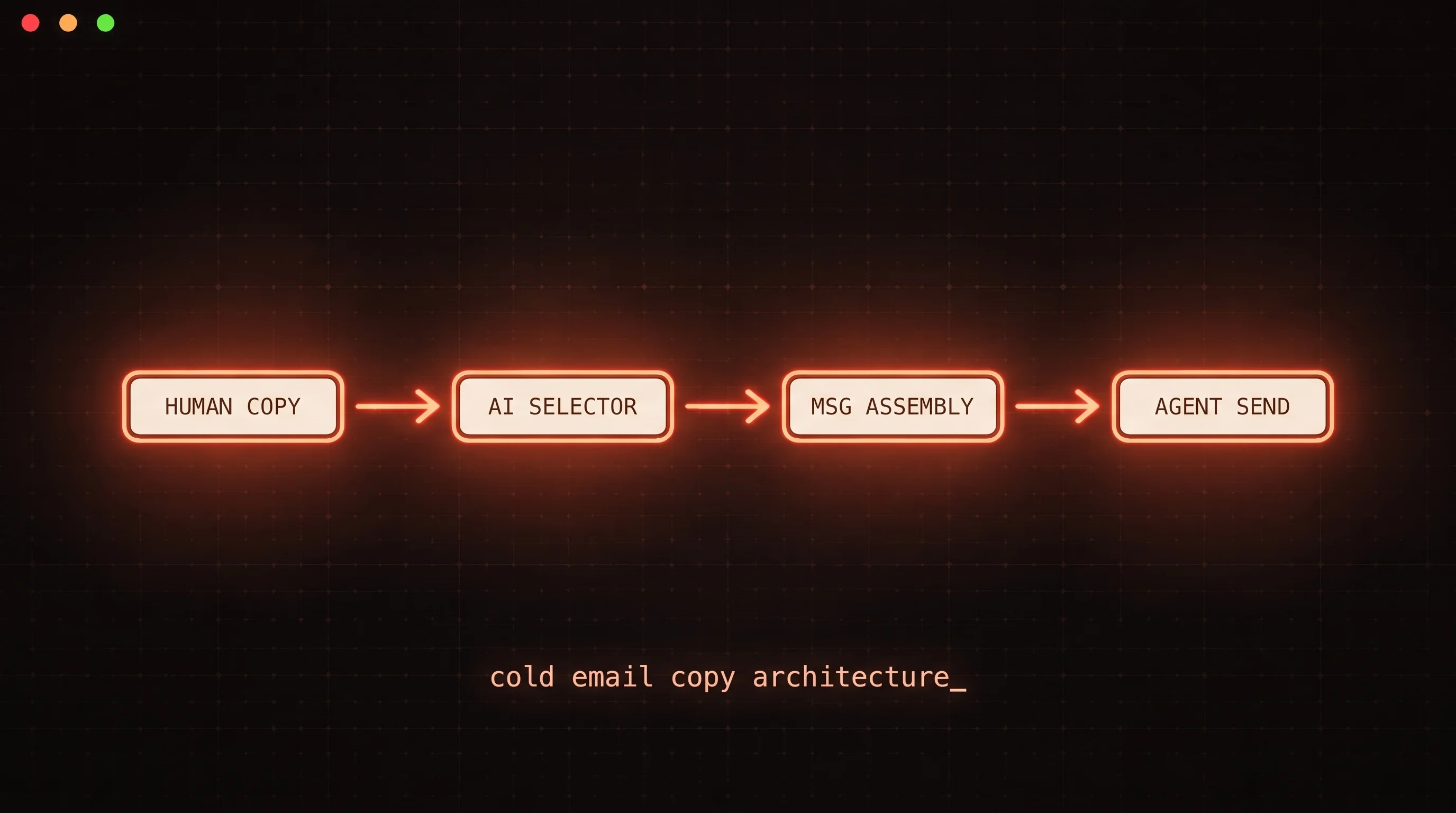
The Solution: AI-Generated Unique Copy
This is where things get exciting. Google and Microsoft can't flag a phrase as spam if every email you send is completely unique.
You don't need to rewrite the entire email - just the phrases that might get blacklisted. Use AI to generate unique variations for each prospect:
- Instead of a static business address, generate a localized reference to the prospect's city
- Instead of the same opening line, create a unique personalized opener for each recipient
- Instead of identical value propositions, tailor the language to each prospect's industry
FoxReach's personalization variables like {{first_name}}, {{company}}, and {{title}} are a great start. Combine them with AI-enriched custom fields to make every email genuinely one-of-a-kind.
Spin Syntax Is Still a Non-Negotiable
While AI-generated copy is the future, spin syntax remains essential right now. If you're not using it, start immediately.
Spin syntax rotates through different variations of your copy so no two emails are identical:
{Hey|Hi|Hello} {{first_name}},

I {noticed|saw|came across} {your company|{{company}}} is {growing fast|scaling up|expanding rapidly}.

{I wanted to reach out because|The reason I'm emailing is|I thought you'd be interested because} we {help companies like yours|work with teams in {{industry}}|specialize in helping {{company_size}} companies} {improve|boost|increase} their {outreach results|email performance|campaign ROI}.
The more variations you add, the better. Go overboard with spin syntax - it's one of the easiest wins for deliverability.
FoxReach has built-in spin syntax support across all campaign steps. Use it everywhere.
Infrastructure: What's Actually Working in 2026
After months of testing, here's where the infrastructure landscape stands.
Google Mailboxes Are Back on Top
Google mailboxes currently deliver the best inbox rates to other Google recipients. Google-to-Google deliverability is leading the pack at 94-97% when set up correctly.
The key changes:
- Google Reseller mailboxes are the standard now - official Google accounts with monthly subscriptions. They're safer and more reliable than legacy workarounds
- Legacy panels (bulk grandfathered Google Workspace accounts) took the biggest hit in the November bans. While surviving ones seem stable, the risk remains
- Low volume per mailbox is critical - keep it under 20 sends per day
Diversify Your Infrastructure
Don't put all your eggs in one basket. Google has shown clear hostility toward cold email, and they could make another move at any time.
A healthy infrastructure mix in 2026 looks like:
- Google mailboxes as your primary senders (best current performance)
- Microsoft mailboxes for diversification (inbox rates to Microsoft are at 99%)
- SMTP mailboxes as your safety net (independent of Google and Microsoft - can't be shut down by either)
FoxReach supports connecting all three types. Use multi-account round-robin to distribute sends across your diversified infrastructure automatically.
Why SMTP Is Your Insurance Policy
SMTP mailboxes from reputable providers aren't owned by Google or Microsoft. They maintain their own IP addresses and keep them clean - similar to how Mailchimp maintains high deliverability through IP reputation management.
If Google or Microsoft ever crack down again, your SMTP accounts keep running. They're typically more expensive, but they're the most future-proof option available.
The Future: Eliminating Every Fingerprint
Looking ahead, the cold email industry is moving toward eliminating fingerprints entirely. Here's what that looks like:
- Dedicated sending infrastructure - instead of shared OAuth connections, dedicated servers that aren't associated with known cold email platforms
- AI-generated unique copy - every email is completely original, making pattern detection impossible
- Browser-based sending - emails sent through native Gmail/Outlook interfaces leave virtually no technical fingerprints
- Rotating residential IPs - eliminating IP-based tracking
The platforms that will win are the ones that minimize fingerprints while keeping the sending experience simple. That's exactly what we're building at FoxReach - infrastructure that looks indistinguishable from normal business email.
Your 2026 Cold Email Deliverability Checklist
Here's everything in one place. Follow this checklist and you'll be inboxing to Google at 94%+:
- Set up SPF, DKIM, and DMARC records perfectly
- Remove custom tracking domains
- Turn off open tracking and click tracking
- Send first emails as plain text only - no HTML
- Remove unsubscribe links - use AI-powered opt-out detection instead
- Keep volume under 20 emails per day per mailbox (10-15 is ideal)
- Use spin syntax extensively on every campaign
- Use AI to generate unique copy variations for each prospect
- Skip hostile prospects and honor opt-outs immediately
- Verify your lead lists to avoid bounces and spam traps
- Use Google mailboxes as your primary infrastructure
- Diversify with Microsoft and SMTP accounts
- Monitor your domain against blacklists regularly
- Scale with more mailboxes, not more volume per mailbox
Cold Email Isn't Dead - It's Evolving
Every time an email provider makes a major change, the same headlines appear: "Cold email is dead." And every time, the industry adapts and comes back stronger.
The fundamentals haven't changed - you still need good infrastructure, great copy, and clean data. What has changed is the level of sophistication required. The days of blasting thousands of generic emails from a handful of accounts are over.
In 2026, cold email success comes from sending fewer, better, more personalized emails from well-maintained infrastructure. And that's exactly what FoxReach is built for.
The best cold email is the one that feels personal. FoxReach helps you send personalized emails at scale without losing that human touch.
Ready to hit the inbox? Get started with FoxReach and start landing in Google inboxes today.